Land every acapella on the one.
DJ Toolkit is a free app for DJ prep, on Windows and macOS. Mark four beats at the chorus, add a count-in, and the vocal comes in on the downbeat, first time.
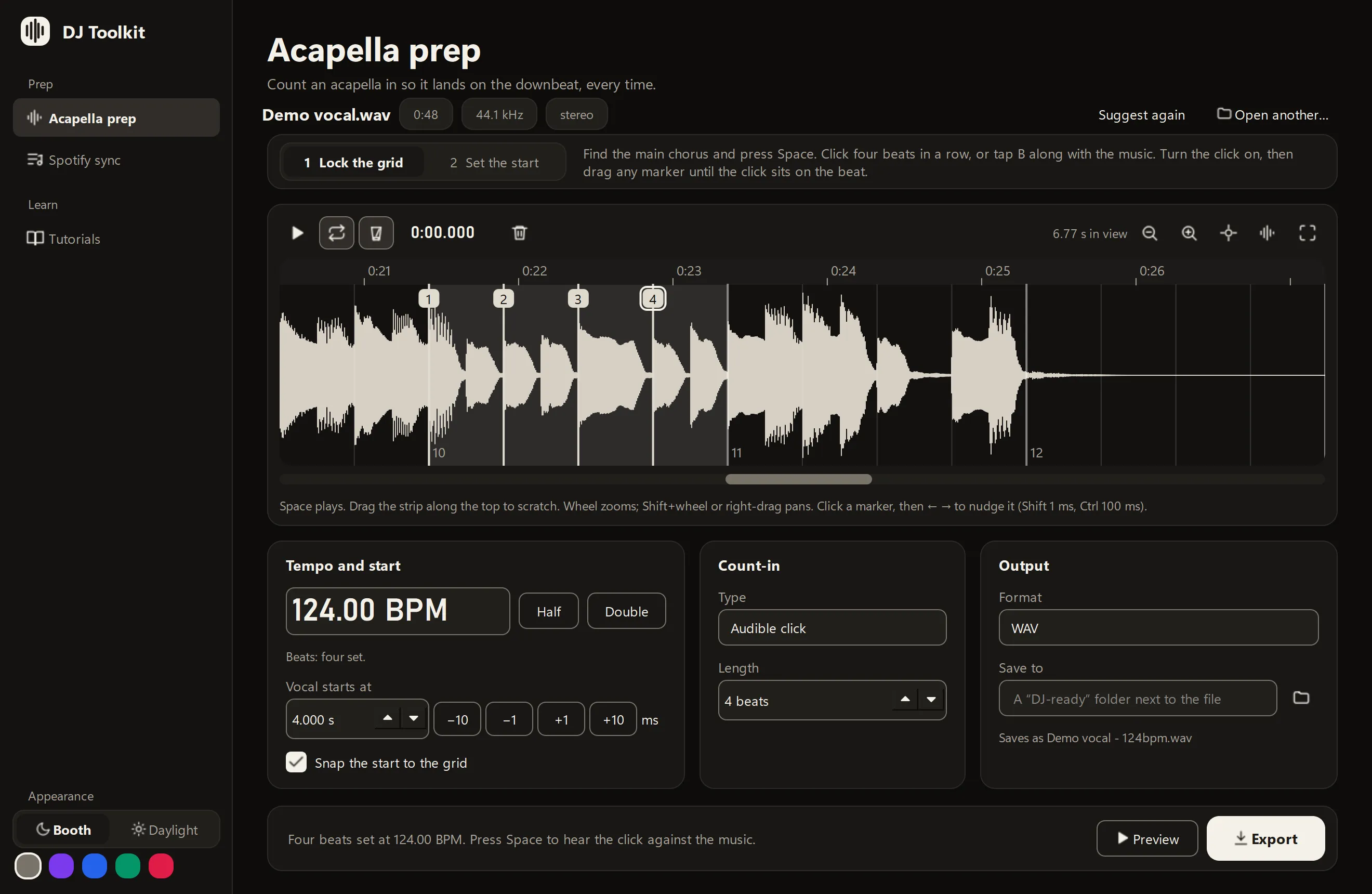
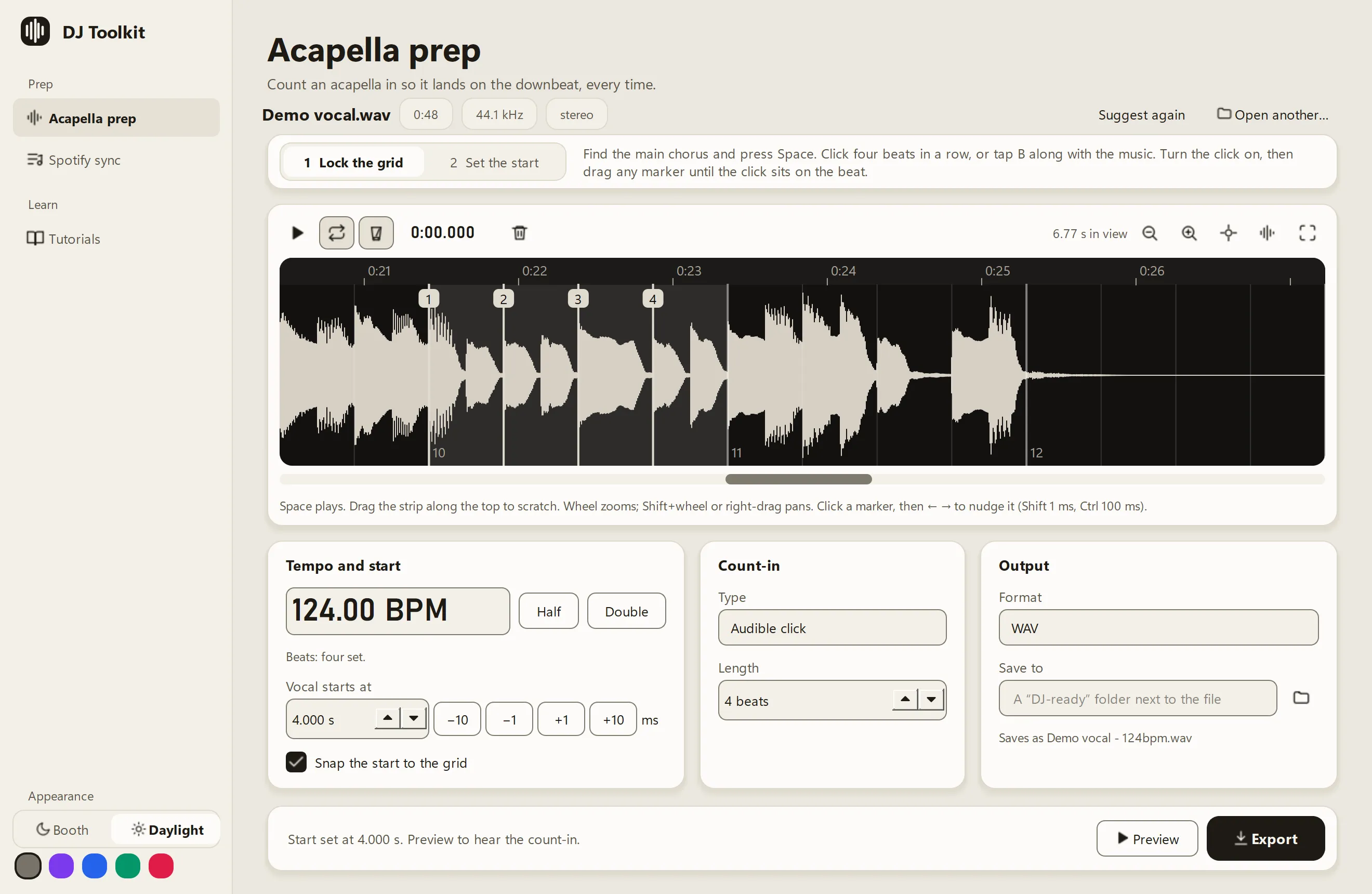
Four beats lock the grid.
Acapellas have no drums, so tempo detectors guess. DJ Toolkit suggests four beats at the loudest part, loops them with a click, and you drag each one until the click sits on the beat.
Four careful beats set the tempo and the phase for the whole track. Try the idea here.
- Space
- plays the loop, with a click on the grid
- B
- taps beats along with the music
- Drag the top strip
- scratches back and forth, so you hear where you are
- Half, Double
- fix a tempo read at the wrong speed
124.0BPM
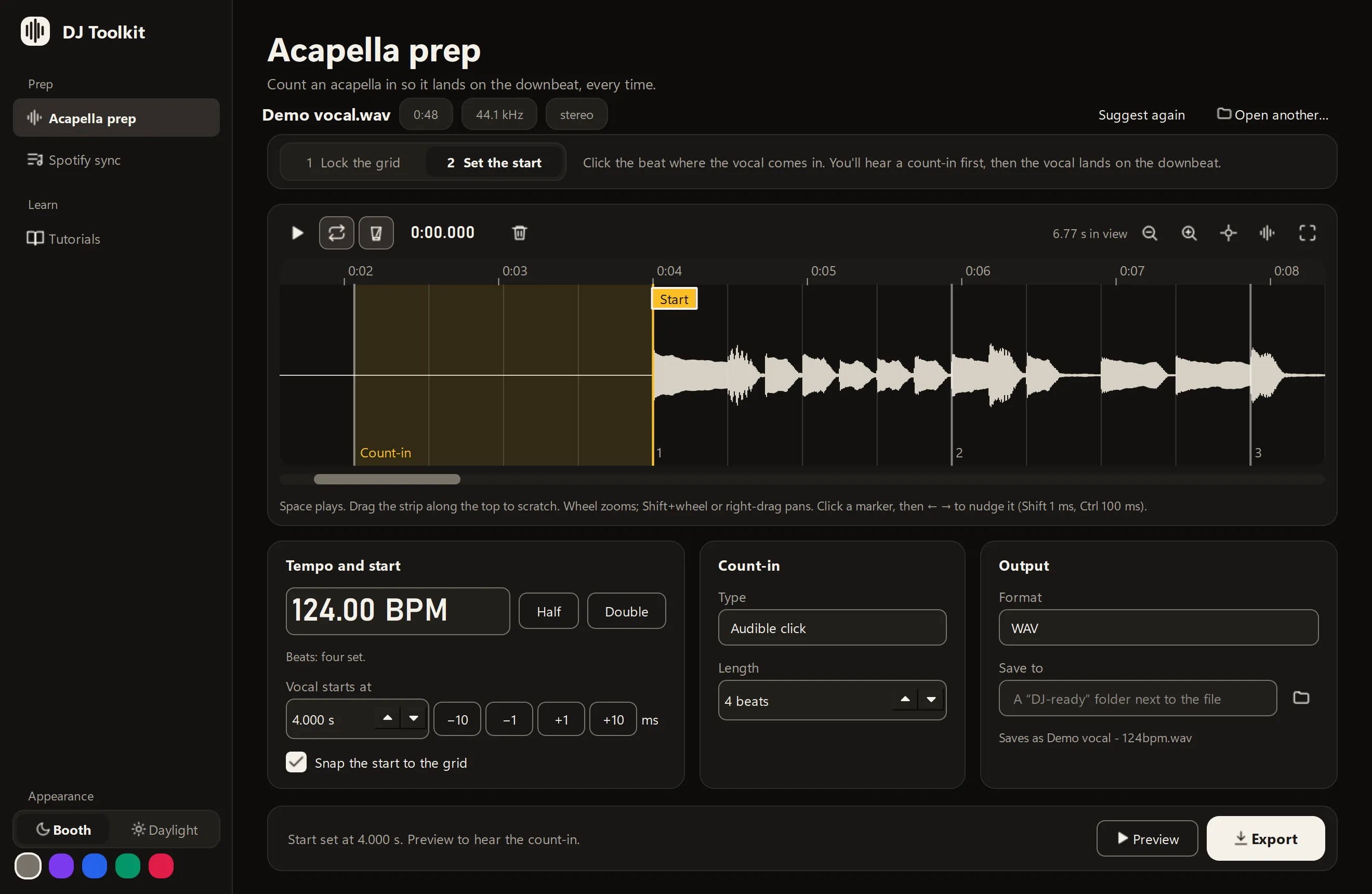
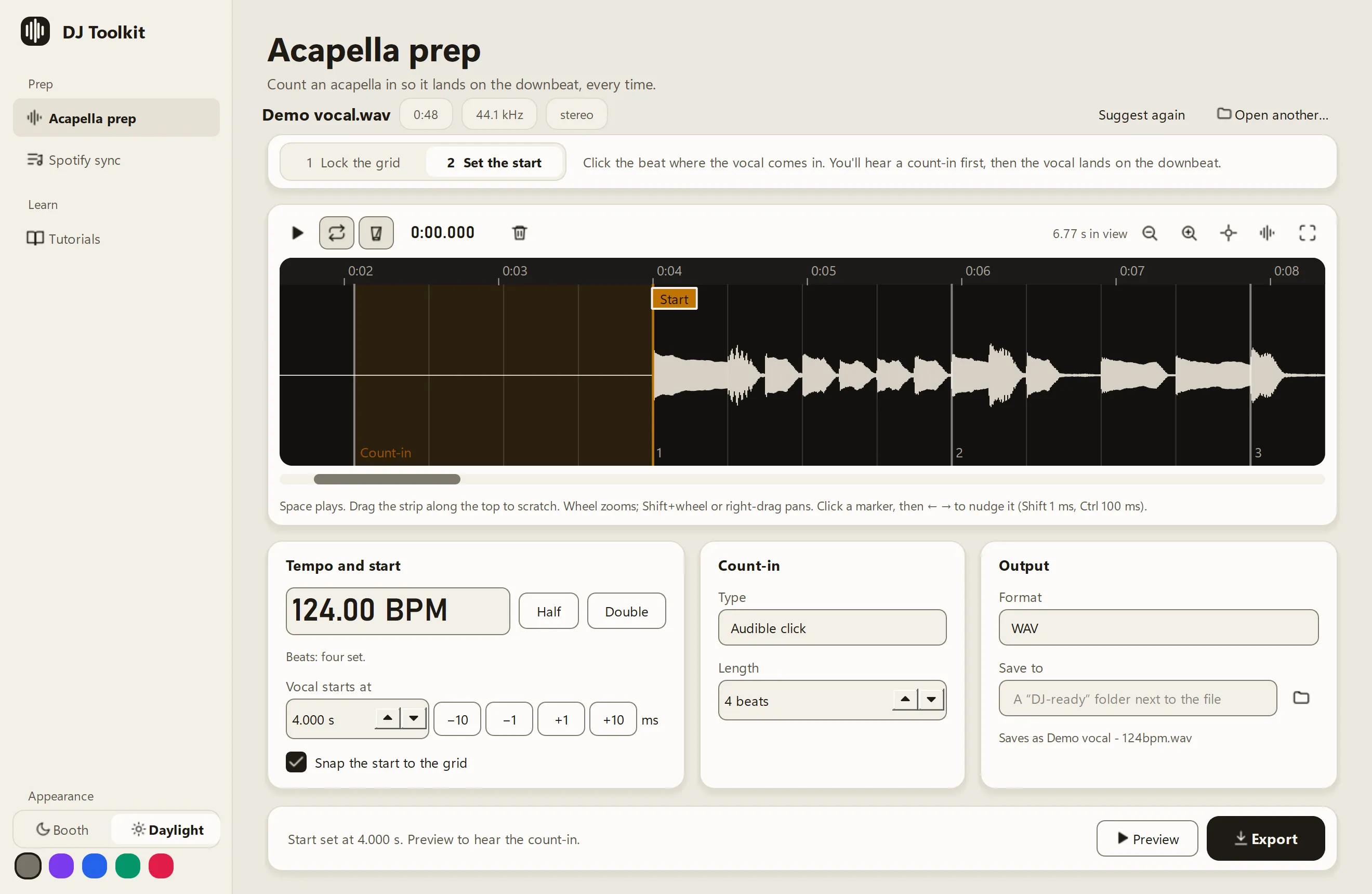
An example at 124 BPM: four beats of count-in, then the vocal.
Tap along with a song you know: the button, the space bar, or B as in the app. The grid locks on your fourth tap.
Then set the start.
Click the beat where the vocal comes in. It snaps to the grid, and the beats before it become the count-in: a click, silence, or your own sample.
Preview plays the count-in, then the vocal. Export saves a new file with the tempo in its name and in its tags, ready for rekordbox and the USB.
- Saves as
- Demo vocal - 124bpm.wav
- Formats
- WAV and FLAC at 24-bit, MP3 at 320 kbps
- Remembers
- The four beats and the start, for every file you've worked on
Your folders, as Spotify playlists.
Point it at your music folder. Every folder inside becomes a private Spotify playlist, so you can dig on your phone and play from your drive.
| On your drive | On Spotify |
|---|---|
| Music\House | Local: House |
| Music\Disco | Local: Disco |
| Music\Techno | Local: Techno |
| Music\Acapellas | Local: Acapellas |
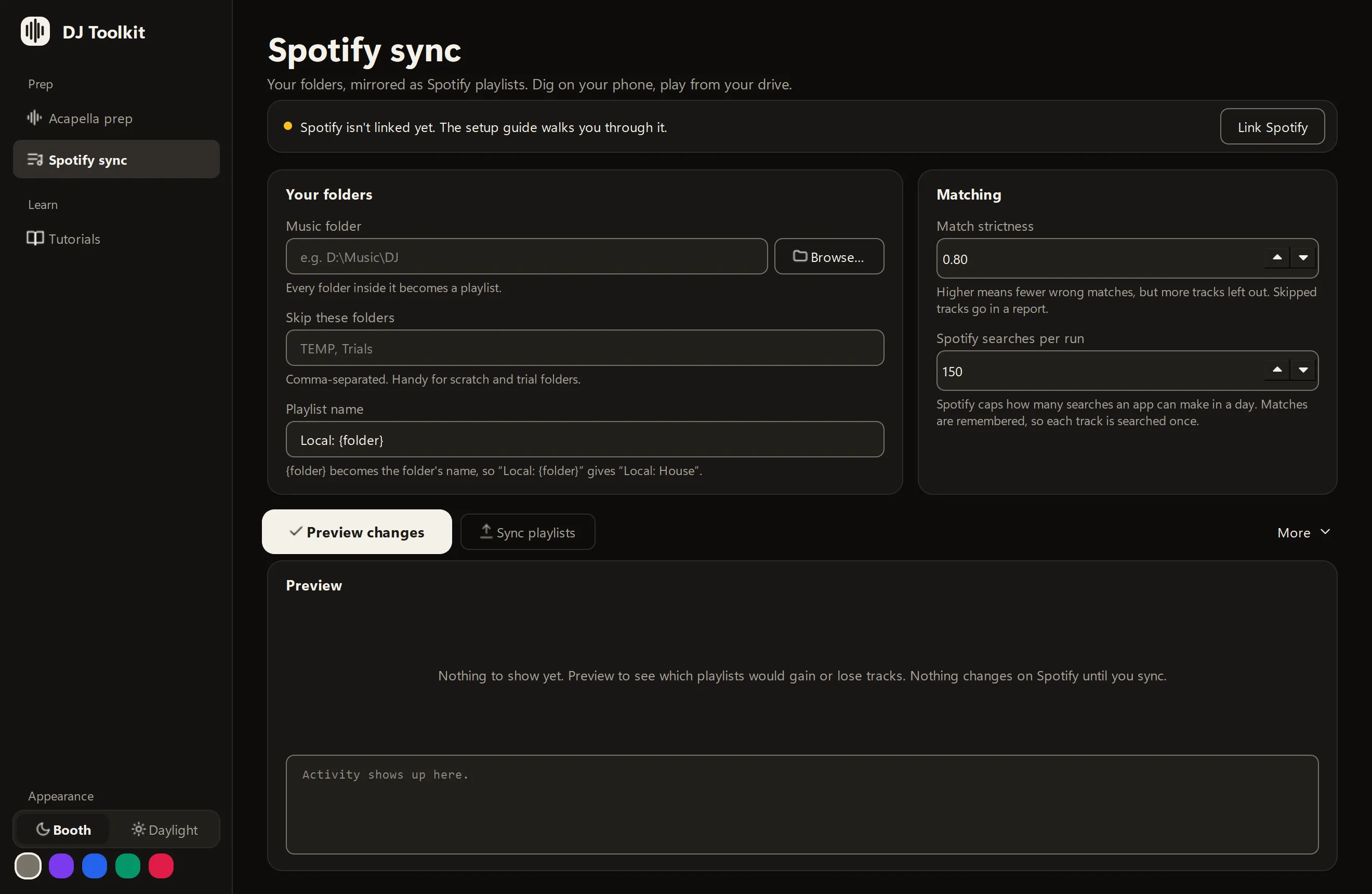
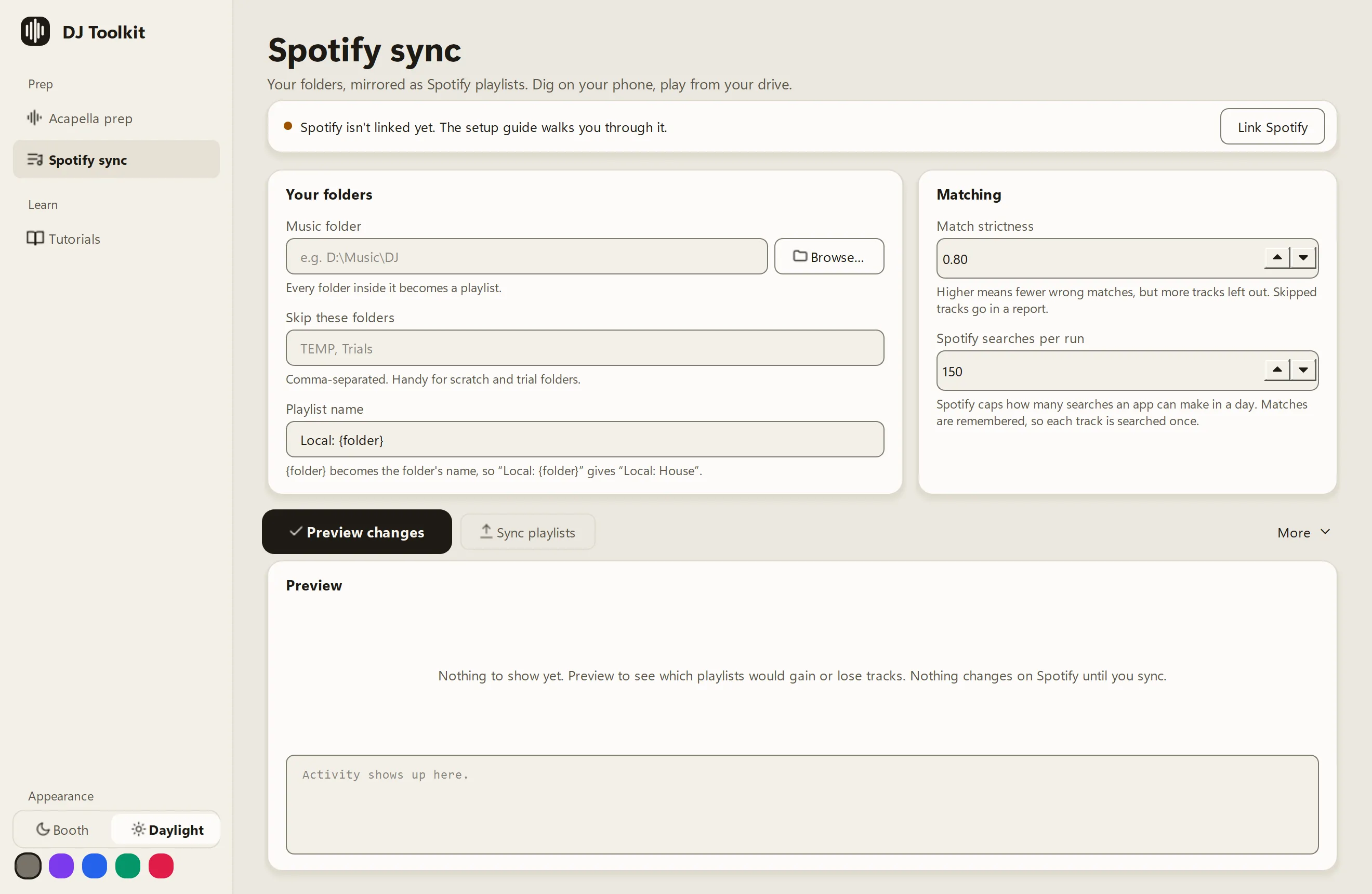
Preview first. Nothing changes on Spotify until you choose Sync playlists, and that stays off until you've seen the preview.
Your music isn't touched. DJ Toolkit reads tags and file names, and nothing else.
Each track is searched once. Matches are remembered, so a big library fits inside Spotify's daily limit.
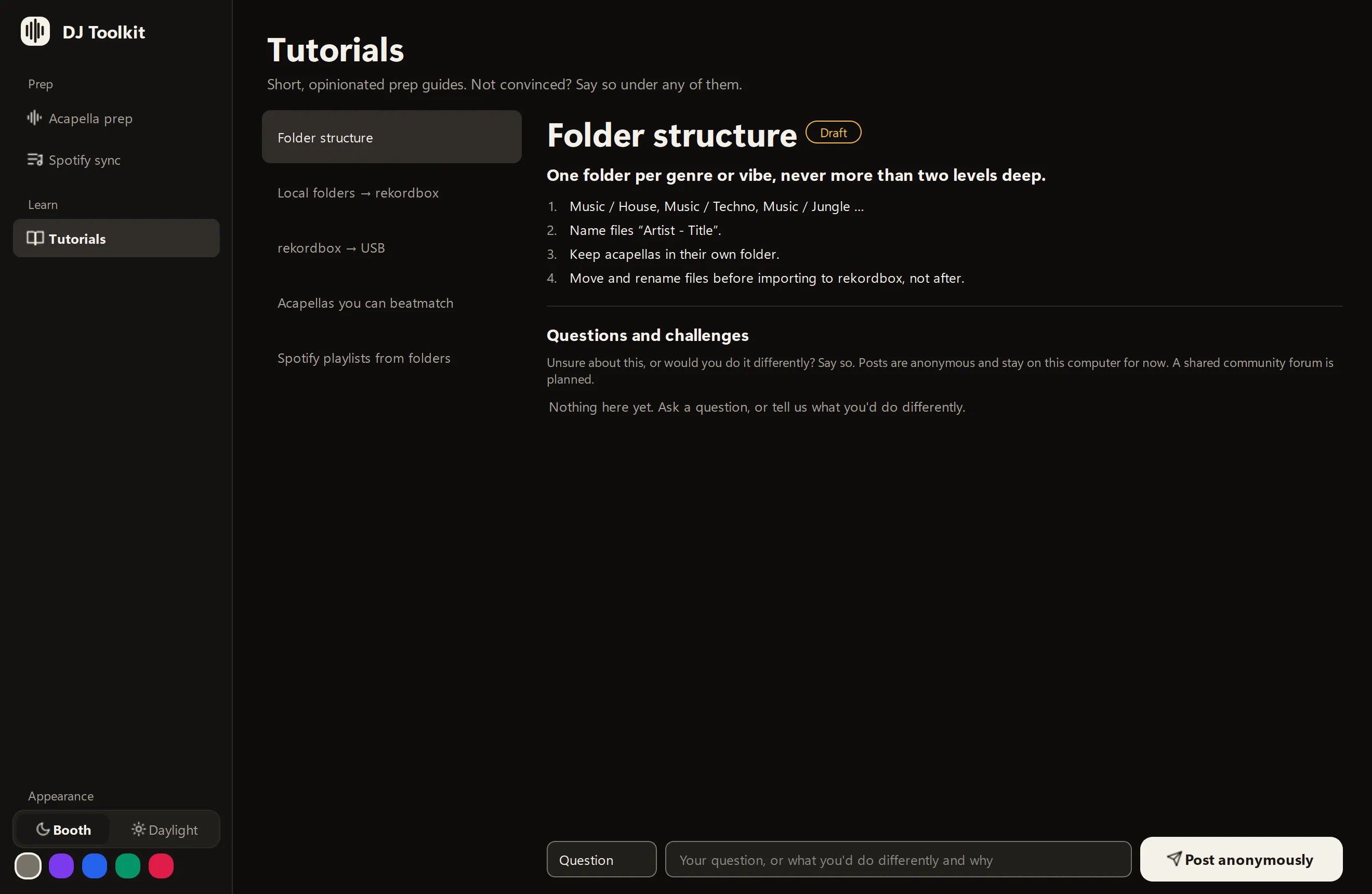
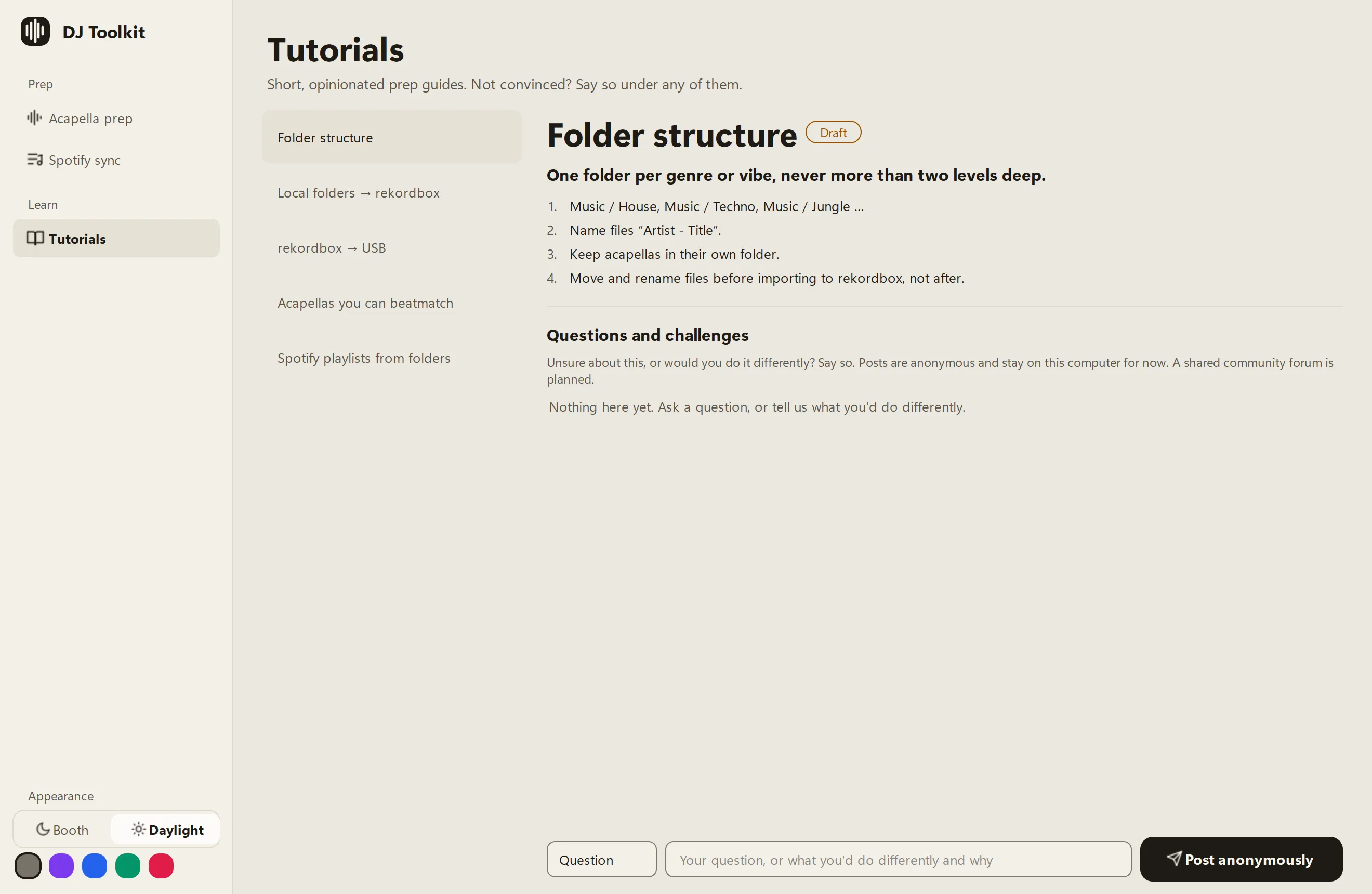
Short guides you can argue with.
One recommendation each, then two to four steps. Think one is wrong? Post a question or a challenge under it, anonymously.
Folder structure
One folder per genre or vibe, never more than two levels deep.
Local folders → rekordbox
Import your whole music folder once, then only re-import when you add tracks.
rekordbox → USB
Export playlists to the USB, not the whole library.
Acapellas you can beatmatch
Give every acapella a count-in so it lands on the downbeat first time.
Spotify playlists from folders
One folder, one Spotify playlist. Always preview before you sync.
Booth or Daylight.
Calm and dark for clubs and late-night prep. Bright and high-contrast for a laptop in the sun. This page switches too.
Install it in a minute.
Download it, open it, prep. Version v0.1.3, free, with nothing else to install.
Windows 10 and 11
Download for Windows- Unzip DJ-Toolkit-Windows.zip.
- Open the DJ Toolkit folder and double-click DJ Toolkit.
- If Windows says it protected your PC, choose More info, then Run anyway.
macOS 12 or later, Apple silicon
Download for macOS- Open DJ-Toolkit-macOS.dmg and drag DJ Toolkit into Applications.
- Open DJ Toolkit from Applications.
- If macOS says it can't check the app, open System Settings, then Privacy & Security, and choose Open Anyway.
Why the warning? The app isn't signed with a paid certificate yet, and all of its code is on GitHub. Run it from source instead, if you'd rather.
Open source, and easy to work on.
MIT licence, Python and Qt. About 160 automated tests run in a minute, with no sound card and no network.
Working with an AI coding agent? AGENTS.md gives it the rules and the commands, and guardrail tests catch it when it breaks one: a hard-coded colour, a word the app doesn't use, a secret in a commit.
git clone https://github.com/tomgreef/dj-toolkit.git
cd dj-toolkit
py -3.12 -m venv .venv
.venv\Scripts\pip install -r requirements-dev.txt
check.bat
Early, and honest about it.
It's tested with generated audio and about 160 automated tests. It hasn't met many real acapellas or a live Spotify account yet.
If you play out, try it on your own music and say what felt off. No code needed.
Vote on what comes next.
Every idea is a GitHub issue, and a thumbs-up is a vote. Back the ones you want, suggest your own, or report a bug. The app's Requests page shows the same list.
- 0votes:Detect the key of an acapella, and warn about a key clash
- 0votes:Make an acapella from a full track (offline vocal separation)
- 0votes:Stretch an acapella to the tempo of your set
- 0votes:Carry the grid and cue points into rekordbox
- 0votes:Prep a whole folder of acapellas in one go
- 0votes:Show the tracks in your Spotify playlists that aren't on your drive
Voting needs a free GitHub account. This list is refreshed once a day.